
Omniview Mobile Client
Real-time insights in the palm of your hand
Built for the field. Omniview Mobile brings critical telemetry data, instant alerts, and asset tracking directly to your smartphone — ensuring your team stays connected to your infrastructure from anywhere.
Speak With an Expert »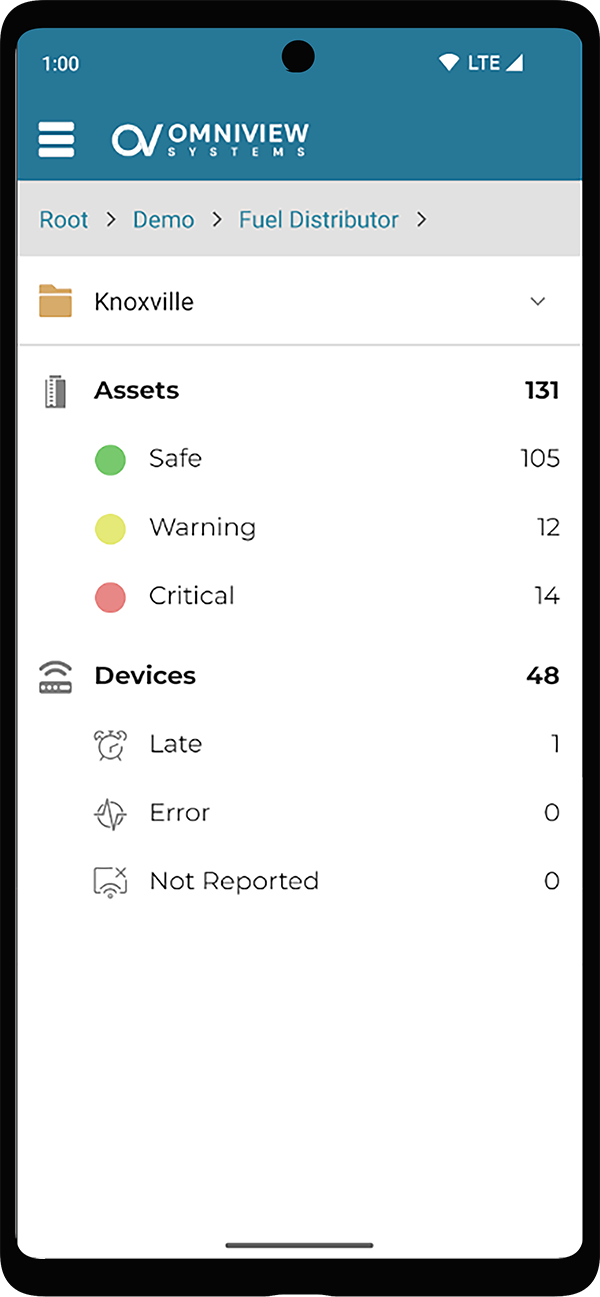
Automated Intelligence
Actionable insights, zero manual effort
Intelligent Alert Zones
Don't just watch data; let the data watch itself. Define custom high and low setpoints for every asset to trigger immediate email alerts the moment a threshold is crossed.
Field Zone Overrides
Adjust tank boundaries instantly from the field. If an operational zone needs to change during an asset transfer or schedule maintenance, update the values directly from your phone to prevent false alarms.
Visual Zone Inspections
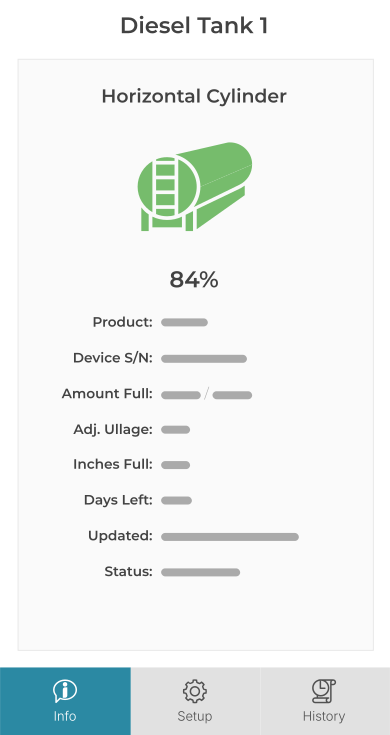
Check status levels at a single glance. View color-coded zone indicators on your screen to immediately know which tanks are operating safely and which ones require your attention.
The Entity Explorer
Pocket-sized navigation tailor-made for complex field operations
Fluid Folder Drilling
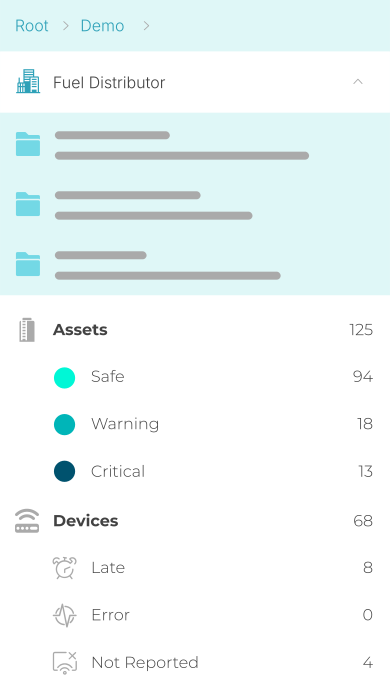
Navigate complex company structures with ease. Tap to instantly open folders and sub-folders, or use a quick double-tap shortcut to jump straight into a specific site's comprehensive asset report.
Live Status Summaries
Get an instant operational snapshot without digging. Selecting any folder automatically refreshes the summary below, breaking down exactly how many assets sit in Safe, Warning, or Critical Zones.
Gesture-Driven Navigation
Move through your data smoothly with one hand. When your folder picker is collapsed, a simple swipe-right gesture slides you backward up the folder tree to quickly jump across regions or facilities.
Speed-to-Scale
Provision hardware and update tank metrics instantly from the field
Rapid Device Verification
Confirm hardware installations instantly. Field teams can view live transmission syncs directly next to the physical tank, cutting down deployment cycles from hours to minutes.
Field Status Checklists
Audit massive territories without losing track. Keep your logistics moving rapidly with specialized asset priority feeds that group late-reporting or critical hardware at the very top.
Mobile Metric Spot-Checks
Skip the trip back to the office computer. Review historical trend logs, sensor diagnostics, and zone limits directly from the field to troubleshoot hardware issues on the spot.
Rapid Discovery
Skip the menus and jump straight to the field data you need.
Instant Search Input
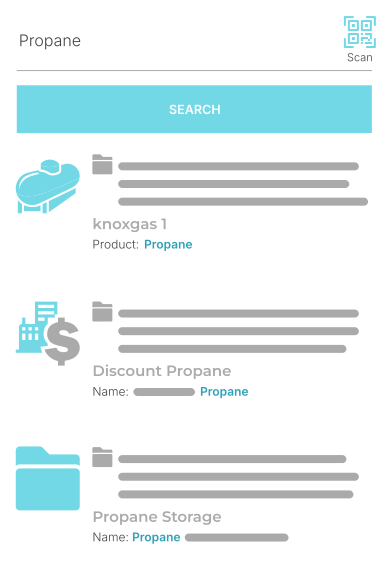
Jump straight to any asset. Locate specific tanks, hardware metrics, or site folder addresses across your mobile organization with just a few quick keystrokes.
Scan-to-Find Camera Capture
Pull up asset profiles instantly using your phone's camera. Tap the integrated scanner icon to read a device's physical QR code, opening the exact tank metrics you need with any typing.
Persistent Session Memory
Pick up exactly where you left off. Location memory is enabled by default in the app preferences to instantly launch right back into your last viewed folder, eliminating repetitive navigation.
Engineered for the Outdoors
High-performance mobile layouts built for harsh field environments
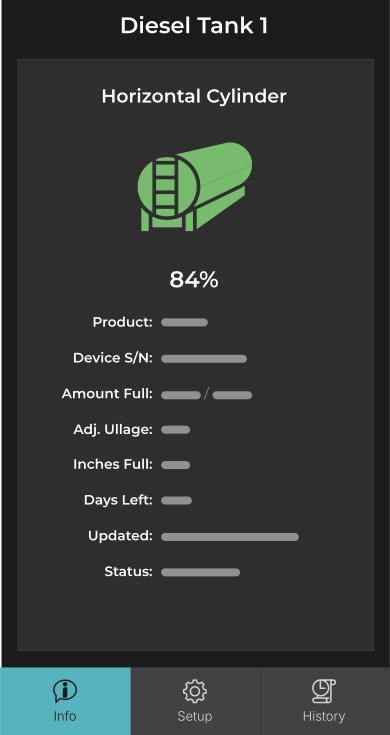
High-Contrast Dark Theme
Optimized for bright outdoor visibility. Our tailored dark theme minimizes eye strain under direct sunlight and preserves critical device battery life during long field shifts.
Direct Hardware Diagnostic Checks
Troubleshoot connectivity on the spot. View physical unit signal strengths, battery strength, and reporting states straight from the phone screen to confirm a device is functioning properly before leaving the site.
Folder Tree Gesture Control
Built for genuine one-handed use. As we noted in the explorer section, as simple swipe-right gesture slides you backward up your folder path, keeping navigation fluid even when wearing heavy work gloves.
Ready to Mobilize Your Field Operations?
Omniview Mobile is built to keep your team connected to your tank infrastructure from anywhere. Get in touch with our specialist team today to ask questions, check compatibility, or learn how to add mobile access to your account.
Get in Touch »